Add a seller in your dashboard
Go to Share & Sell and enter their first name, last initial, and email. That’s the whole form. (Selling through a kid — a player or a student? Check “Under 13” and the invite goes to a parent for consent instead.)
We text or email them the link
The moment you add them, we send their private register link by text or email. You also see it on screen, so you can copy and send it yourself — drop it in the team chat or hand it over in person.
Their store is live on their phone
They tap the link and the store opens right in the browser — any phone or tablet, no password. They can add it to their home screen, where it opens like an app: no app store, nothing to install.
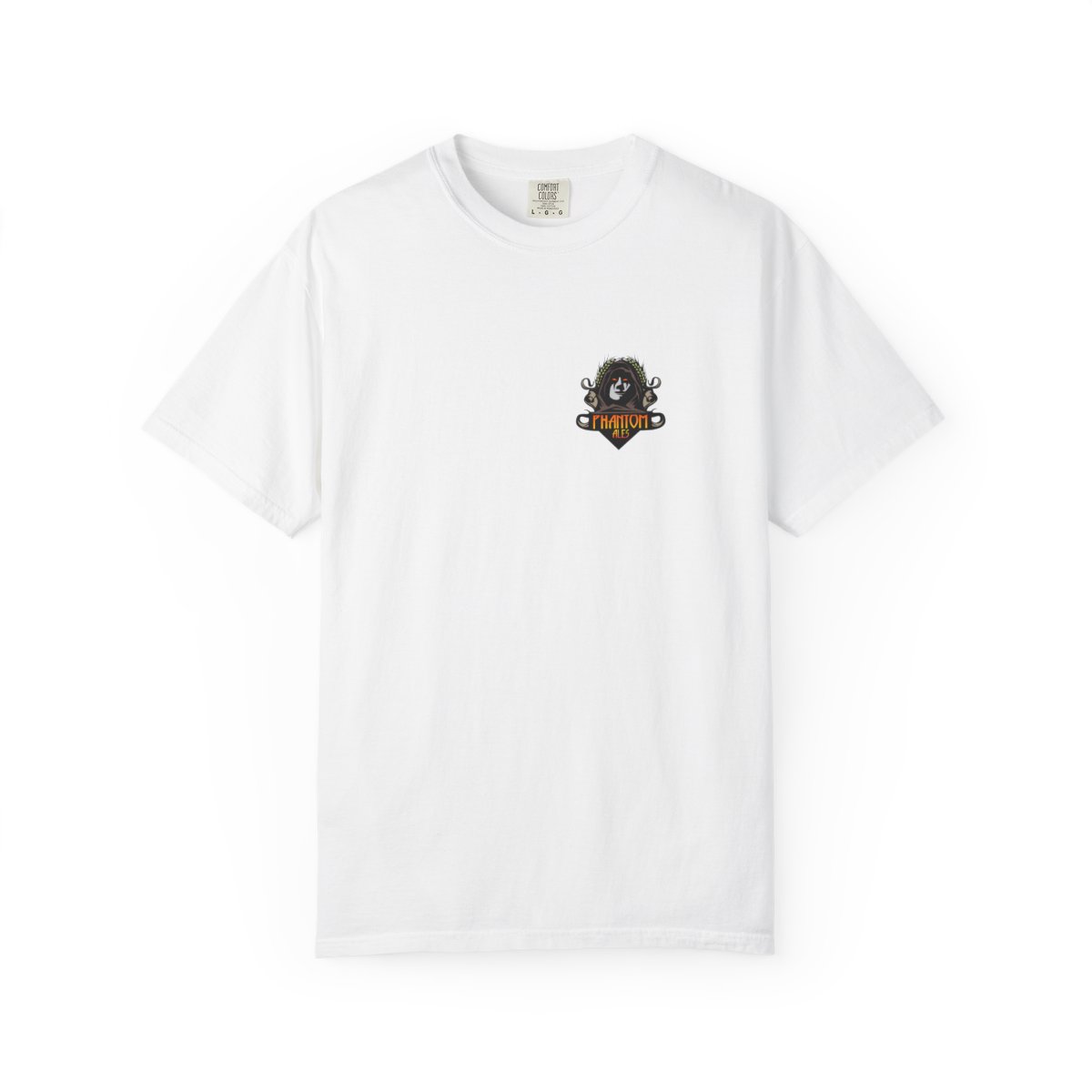 Heritage Tee · $18
 Tumbler · $32
They sell — and it’s all tracked
Type the buyer’s card, tap Apple Pay or Google Pay, or text them a payment link. The order ships to the buyer, and every sale is credited to the seller on the leaderboard — you never touched inventory.