1
Copy your two lines
When your shop is set up, your Share page hands you a snippet — already filled in with your shop’s name:
<div id="holding-shop" data-client-slug="your-shop"></div>
<script src="https://1211holding.com/embed/shop-loader.js" async></script>
2
Paste it into your page
Drop those two lines wherever you want the shop to appear — Squarespace, Wix, WordPress, Shopify, or hand them to whoever runs your site. No plugin, no account to connect.
  <!-- your existing page -->
  <div id="holding-shop" data-client-slug="your-shop"></div>
  <script src="https://1211holding.com/embed/shop-loader.js" async></script>
  <!-- ...the rest of your page -->
The two highlighted lines are all you add — everything around them is your existing page.
3
That’s it — your merch shop is live on your site
It renders right inside your own page, under your own domain and branding — customers browse and buy your gear without ever leaving your site. It’s a merch shop that runs alongside whatever else you sell, not instead of it.
Phantom Ales Beers · Visit · Shop
Shop
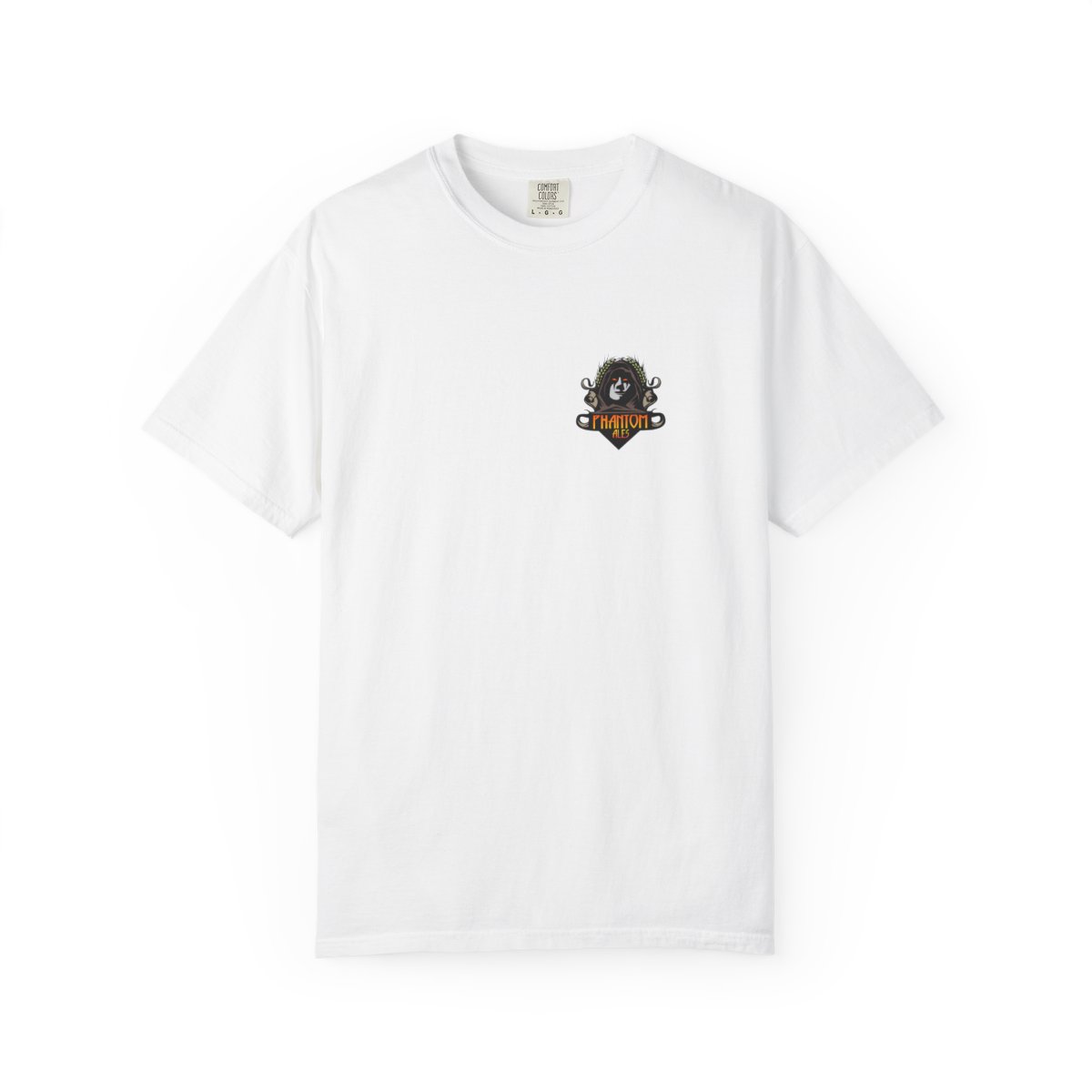
Heritage Tee
$18
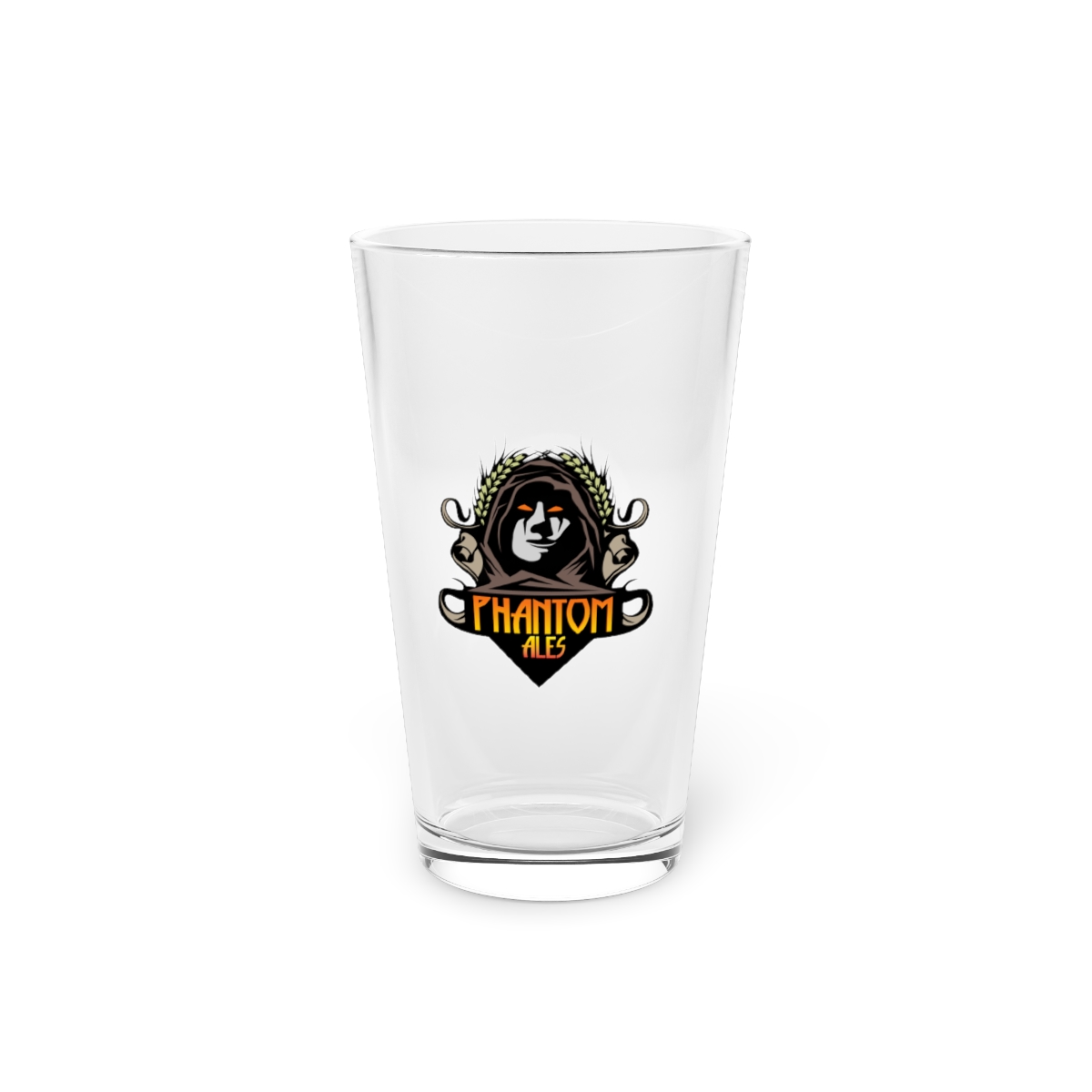
Pint Glass
$20
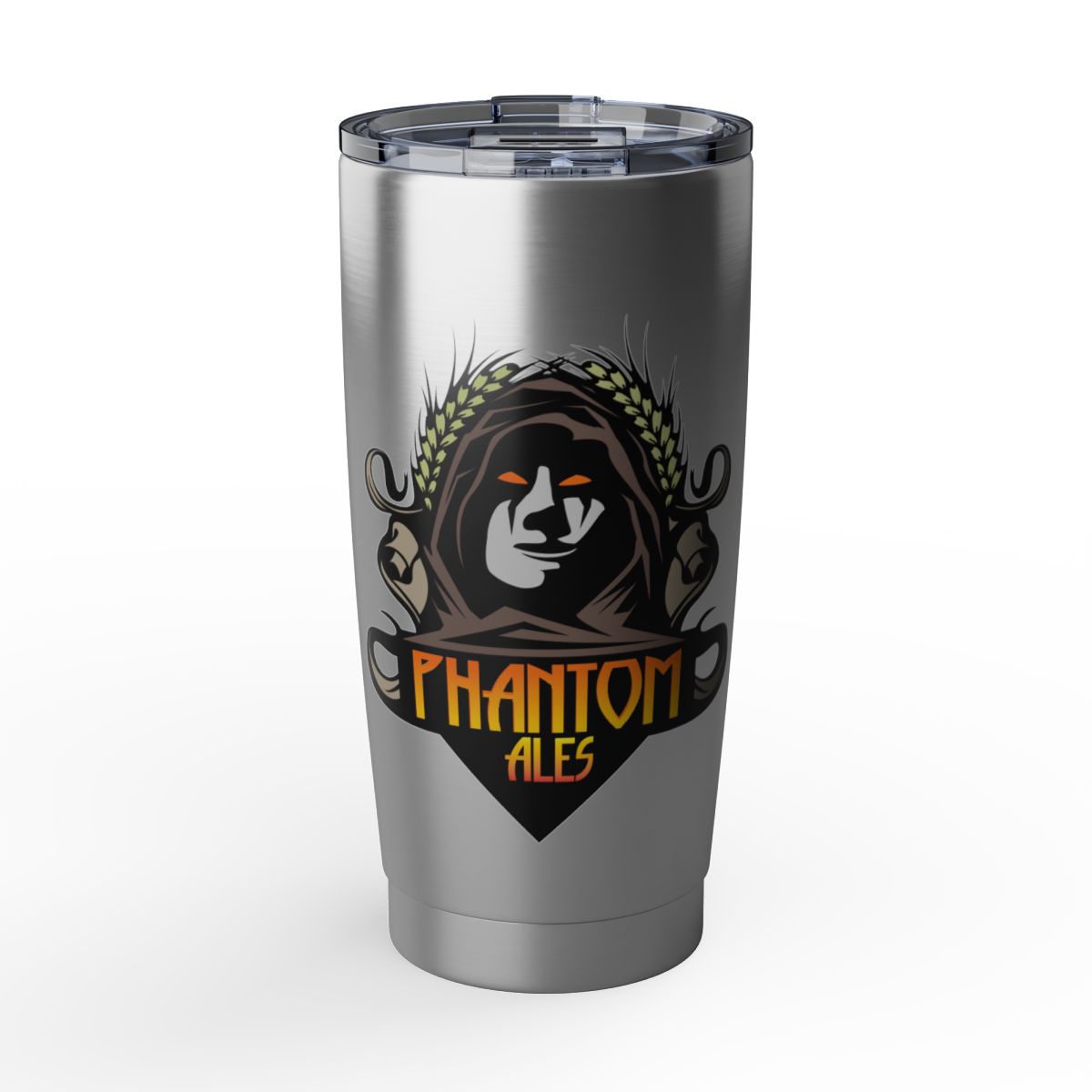
Tumbler
$32
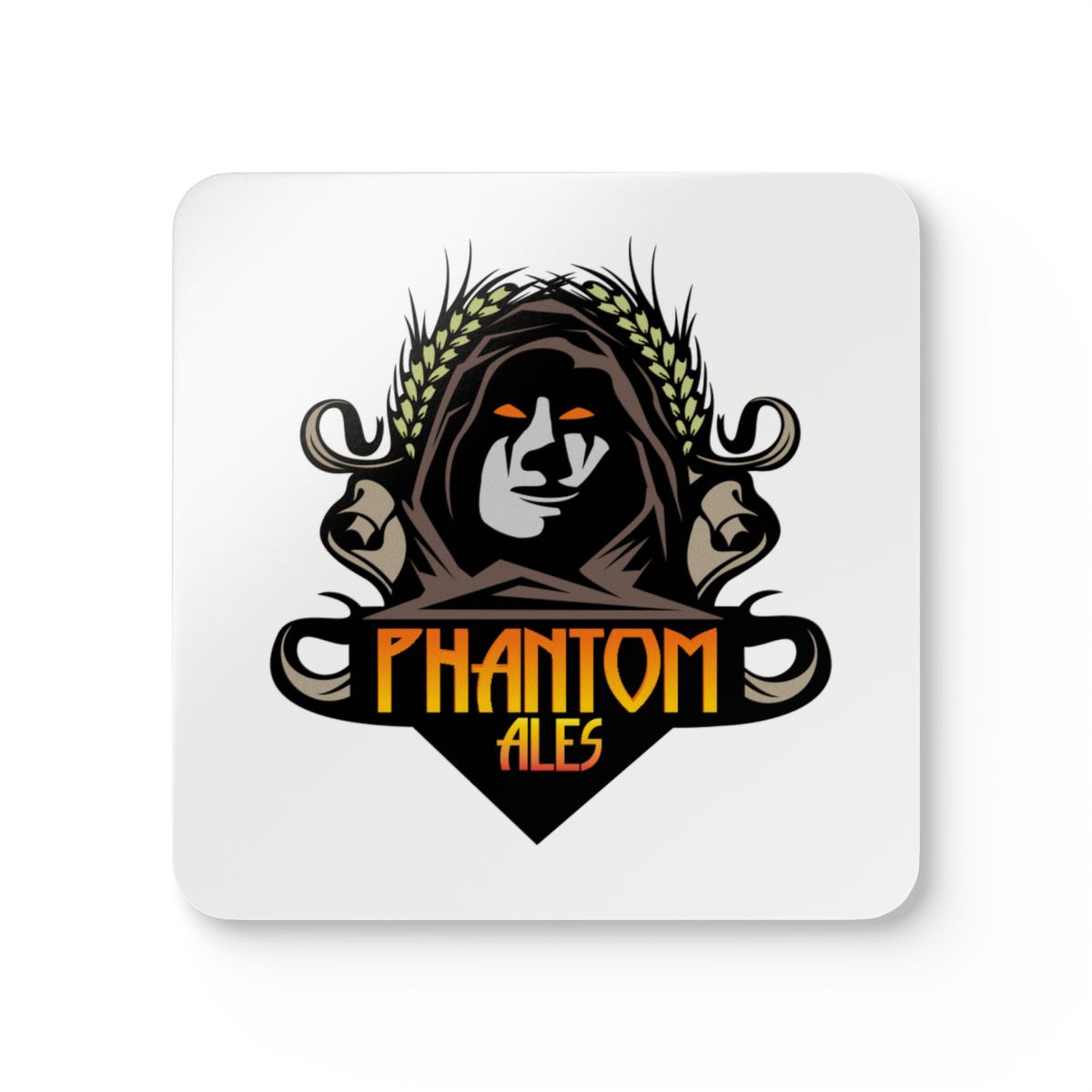
Coaster Set
$26
A real partner’s shop, embedded right on their own site — same logo, same domain.